
Enterprise Browser
The browser built to support Business Process Outsourcers.
A secure, productive workspace for BPOs and the companies that use global remote workforce. Every SaaS and web app in one browser, with complete control, visibility and governance, and none of the friction of VPNs, virtual desktops or locked down devices.
The problem
Business Process Outsourcing is a demanding industry.
BPOs run large distributed systems and a global remote workforce, while meeting the strict data protection and regulatory needs of every client. The organisations that rely on them want to grant access in a low cost, low risk way, but legacy approaches mean complex integrations and large infrastructure costs.
BPOs operate large distributed systems and manage a global remote workforce across a wide range of geographies.
They have to navigate strict data protection requirements and the regulatory needs of every client they serve.
Client organisations struggle to grant BPO employees access to their own application resources in a low cost, low risk way.
BPOs often have to use their client's systems, relying on complex processes and custom integrations to make it work.
Both the BPO and its clients have to safely navigate the complexities of diverse device usage across the workforce.
Customer data can leak onto the user's device, to unapproved apps, or move between customer environments.
Solutions
One enterprise browser. Every BPO use case.
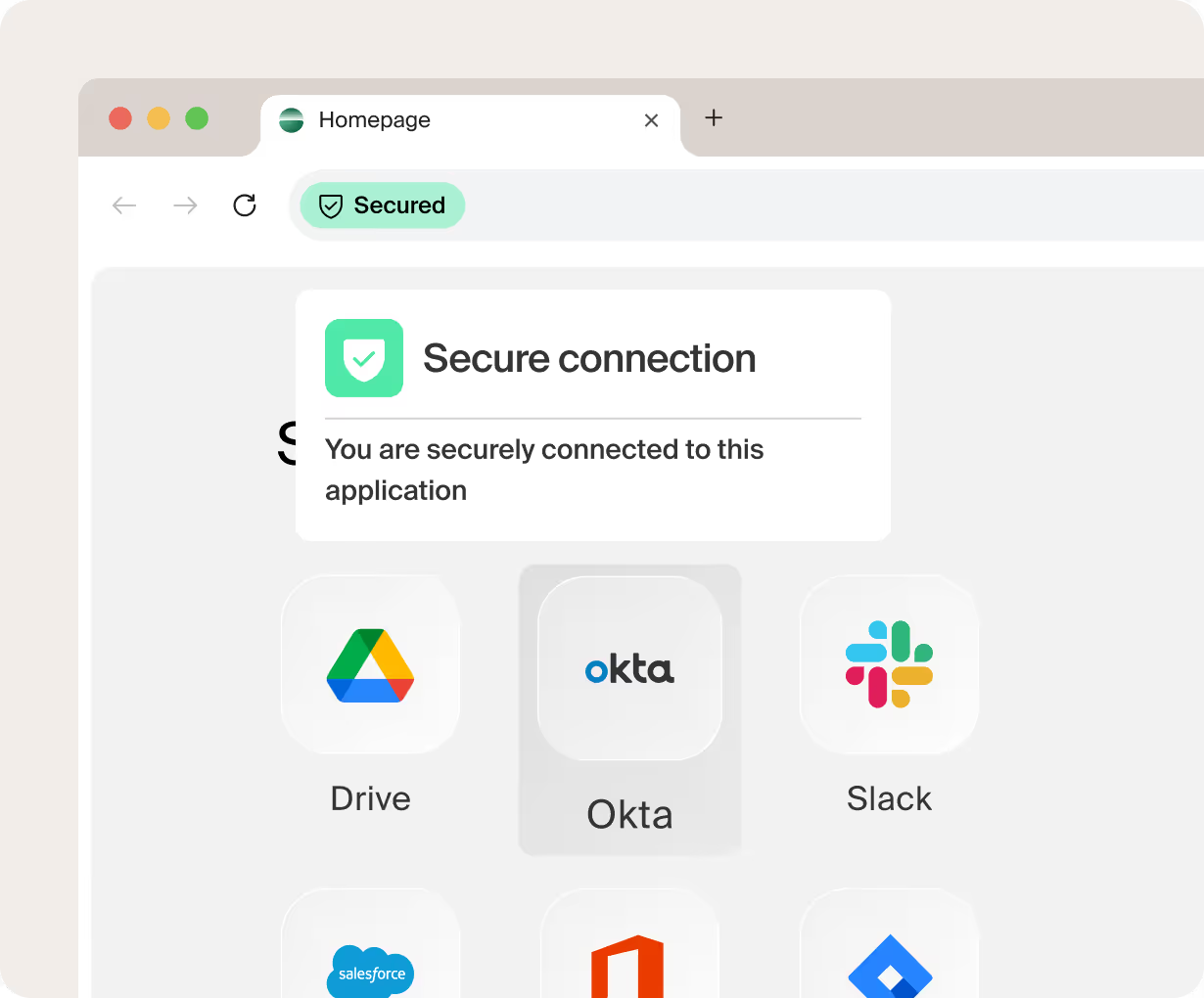


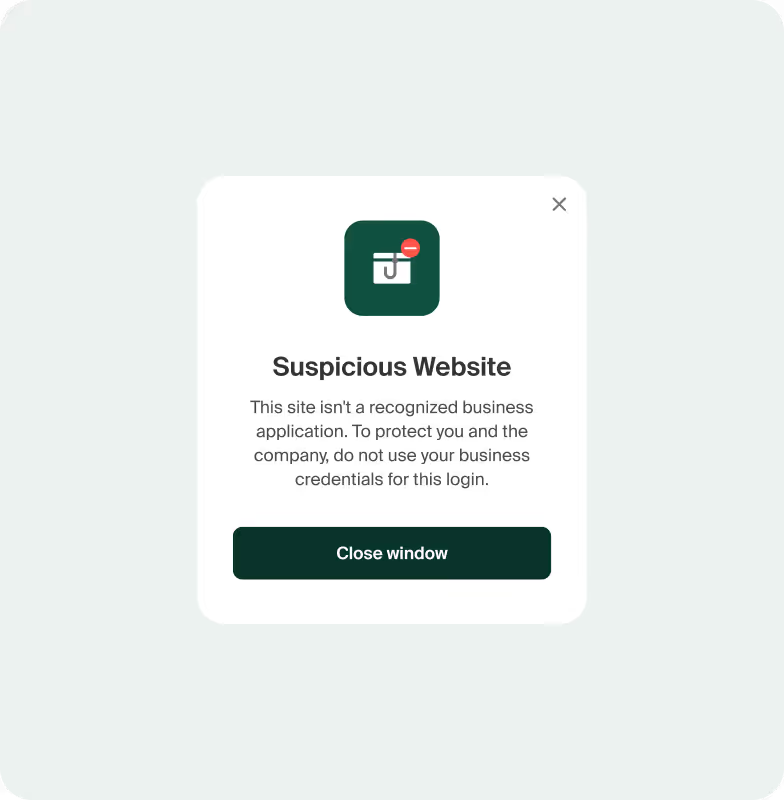
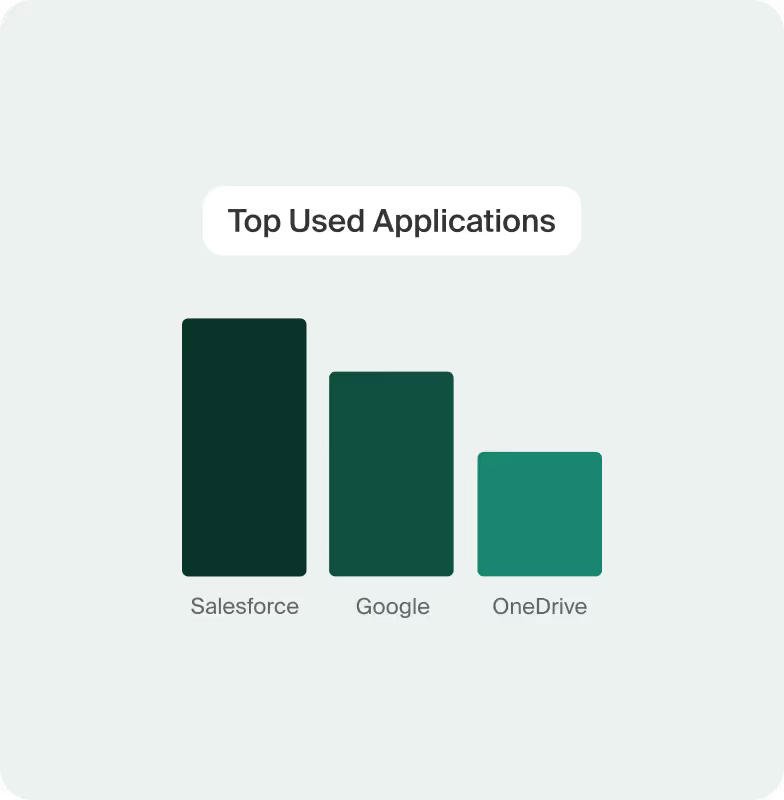


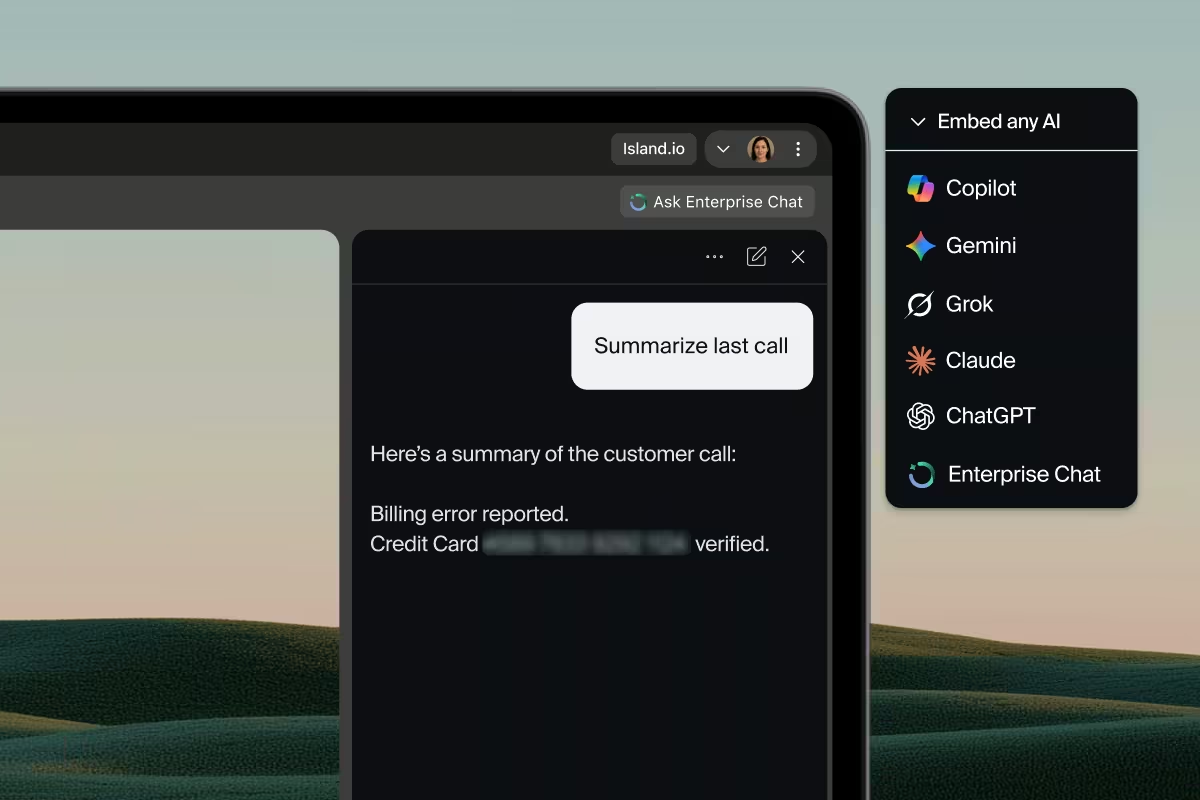

Outcomes
Outcomes you see from day one.
Security and compliance by default
GDPR · ISO 27001Lock down the SaaS and web apps your teams rely on, and protect sensitive data with screenshot blocking and automatic redaction. Enforce policy across every device.
A BYOD ready remote workforce
Any device, anywhereGive remote teams secure access on their own devices with no complex IT infrastructure. Work safely from anywhere while keeping centralised control and full audit visibility.
Deploy in hours, not months
Live in hoursRoll out through a straightforward setup and test the full experience risk free. No lengthy implementation timelines like the ones traditional enterprise security demands.
“Our GDPR compliance posture improved overnight. Island helps us enforce policy across devices and locations.”
Frequently asked
The questions BPOs actually ask.
How the enterprise browser handles security, compliance, BYOD and the move away from virtual desktops.
Talk it through with our team and see the browser in action.
01Are enterprise browsers effective for BPOs on BYOD or remote setups?
Yes, enterprise browsers are effective for Business Process Outsourcing (BPO) companies operating with BYOD or remote setups. They provide centralised security, granular control over data access, and simplified management, enhancing compliance and potentially reducing IT infrastructure costs for distributed workforces.
02Are there enterprise browser vendor lock in risks or flexibility concerns for BPOs?
Enterprise browsers aim to reduce vendor lock in by offering greater control and seamless integration with existing IT infrastructure. This approach enhances operational flexibility for BPO companies by simplifying IT management and enabling adaptable policy enforcement.
03Can enterprise browsers help reduce setup complexity and provider ramp up time for BPOs?
Yes, enterprise browsers significantly reduce setup complexity by centralising IT administration and policy management for web and application access without relying on complex virtualisation infrastructure. Employee and client onboarding is quick, seamless, and easy. This streamlining enables quicker provisioning of secure, preconfigured environments, directly decreasing provider ramp up time for BPO operations.
04How can BPOs securely access enterprise systems via browsers?
BPOs can securely access enterprise systems via browsers by deploying enterprise browsers that embed robust security features and policy enforcement directly within the browsing environment. These solutions enable control over user activities in both web and desktop apps, protect sensitive data wherever it resides, ensure segmentation between different client applications and resources, and streamline compliance without relying on complex, separate virtualisation infrastructure.
05How do enterprise browsers mitigate data leakage risk in BPO environments?
Enterprise browsers mitigate data leakage in BPO environments by enforcing data loss prevention policies directly within the browser and within desktop applications. These policies control sensitive actions like copy, paste, downloads, and screenshots, ensuring data remains within authorised boundaries and preventing unauthorised exfiltration.
06How does an enterprise browser compare to DaaS for BPO companies?
An enterprise browser integrates security, access management, and productivity tools directly within the web browser, offering a more agile and cost efficient alternative for BPO companies. Unlike DaaS, which delivers entire virtual desktop environments, this approach uses the end user device, which can reduce infrastructure complexity, improve user experience, and mitigate concerns like recurring costs and performance latency.
07What are the potential drawbacks of implementing DaaS for BPO companies?
DaaS and virtual desktop infrastructure often has a complicated end user experience, making it difficult for users to find and use the tools they need to do their jobs. Implementing DaaS can lead to higher recurring costs over time and create vendor lock in, making it difficult to switch providers.
08What factors should BPO companies consider when evaluating enterprise browsers?
BPO companies should evaluate an enterprise browser's robust security features, access controls, and data protections to meet customer and regulatory requirements, and seamless integration with existing IT infrastructure. Enterprise browsers can also reduce operational costs, streamline IT management, and enhance user productivity.
09Will implementing an enterprise browser disrupt BPO agents' workflows or productivity?
An enterprise browser is designed to integrate seamlessly into BPO agents' existing workflows, rather than disrupt them. It can enhance productivity by providing a familiar interface, integrated tools, and a secure yet fluid browsing experience. Robotic Process Automations (RPAs) can be used to provide custom automations or alternatives to complicated API based integrations with client systems.